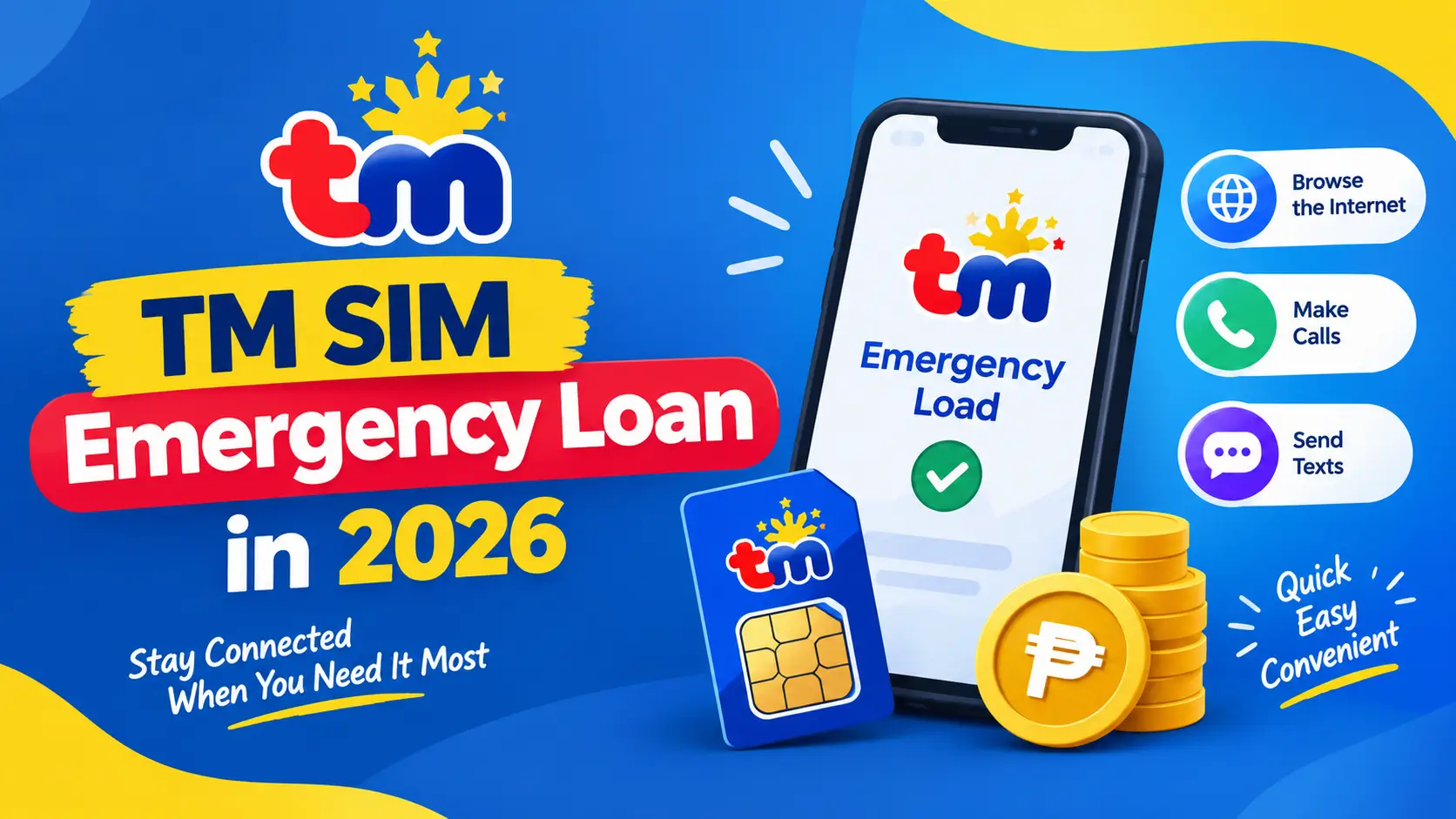
TM SIM Emergency Loan in 2026
TM SIM Emergency Loan is available for TM SIM users for emergency situation. TMSIM provides us this emergency loan facility which is a great convenience for its users. In such a situation, the user can get an emergency loan on his SIM and benefit from it. There are many ways to get a TM SIM loan, including USSD code, SMS text, GlobeOne app, Gcash, Facebook online channels, there is a long list. We will explain each method in detail to you here through which you will be able to easily get any loan offer of your choice.
Methods to Borrow TM/Utang Loan
Through USSD
- Open your mobile dialer and type *143# on it
- Now type 9 to select Utang and send
- You can get any type of loan of your choice
- Write one for regular load and two for promo loan then enter the load of your choice
- Then write one and subscribe to it
- You will receive a confirmation message after getting your loan
Through SMS Text 3733
- Create a new message in the Messages app
- Select any promo code from the given promo codes
- Then send it to 3733
- If you are eligible, you will receive a message
Via Globe One App
- Open the GlobeOne app and log in to it
- Open the loan menu here
- Find the loan menu in the TM Offer section
- Select any load or promo from the given list and confirm after subscribing to it
- When you take any type of loan, the loan will be paid automatically when you recharge your balance
Through Gcash
- Open G-Cash and log in with any of your registered TM mobile number(if not registerd then register through TM SIM Registration)
- Click on the loan option
- Select Borrow load from the given menu
- Also select the amount you want to borrow then press the confirm button for confirmation and get the loan
Through Facebook
- Whenever your balance runs out open your Facebook app log in and select the Buy Data option
- After that a menu will open on your app which will be of TM Telecom
- Look at TM Telecom’s offers and select the Emergency Loan option from them and subscribe
- Through this, you will be able to benefit from the fastest internet facilities
Methods to Check Your Loan Status
Dial *143#
- Dial *143# using your registered TM SIM number
- Dial “9” for checking Utang loan or “5” for load status then send it
- Your current loan status will appear
Send a Text to 3733
- Open messaging app of your mobile and create a new message
- Enter a promo keyword and send it to 3733
- You will receive a message containing balance expiry date and information
Using the GlobeOne App
- Open your GlobeOne app and sign in to your account
- Check your app dashboard for balance and promo details
- Select “Data Usage” to view more detailed balance information
Note: These are for checking your Loan details.These are provided by official TM Telecom company.
How to Cancel Utang Services
Cancel Through *143#
Dial *143# for cancelling Utang Loan Services enter “6” for unsubscribing it.
Cancel Through Text
Type a new message Stop<space> Promo Keyword.Send this message to 3733
No,you can get emergency Loan at any time 24/7.